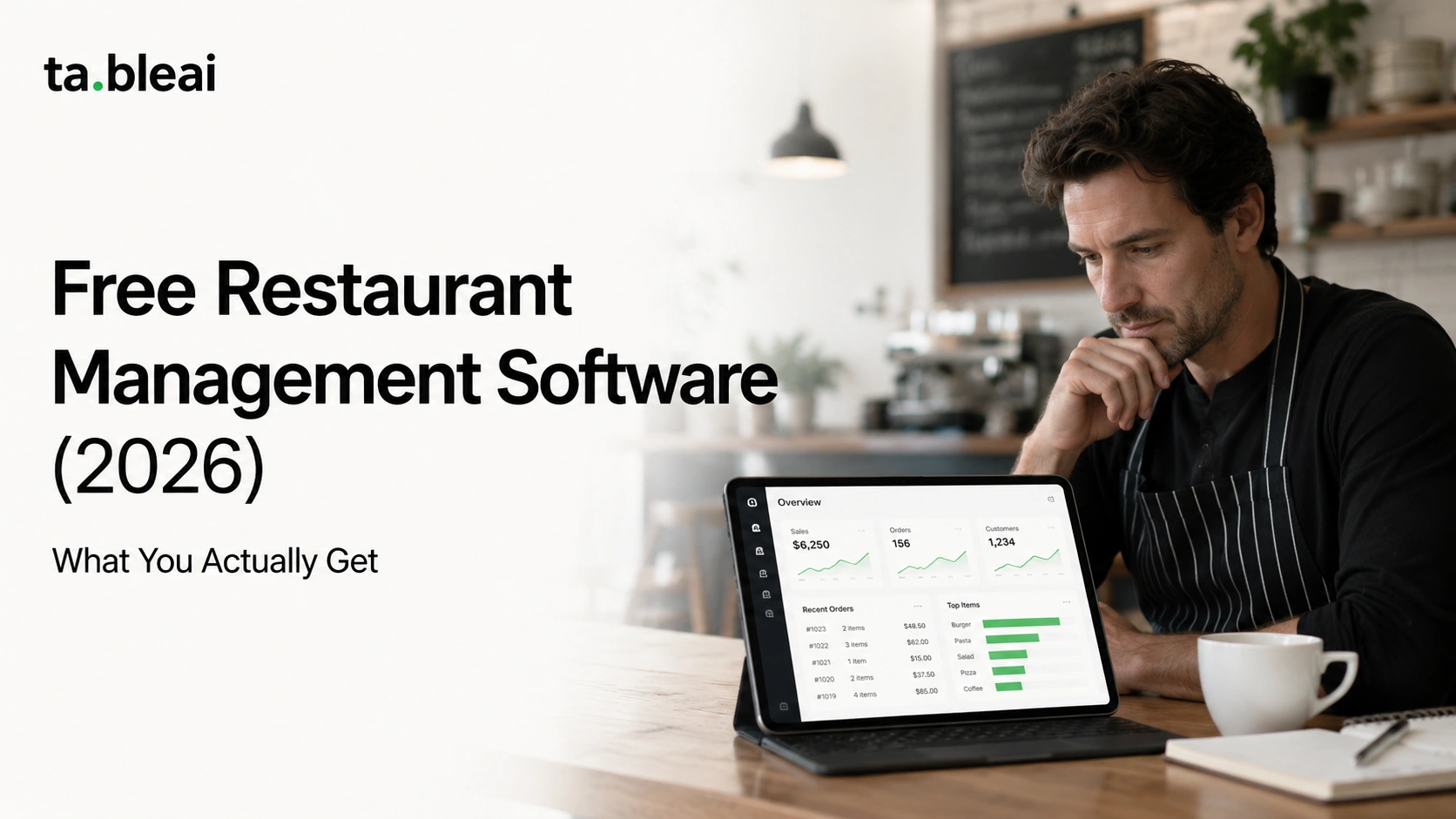
No free restaurant management software is actually free. There's always a catch, and the catch is usually one of three things: you pay through card processing fees instead of a monthly bill, you get a stripped-down version designed to make the paid tier look necessary, or you pay with your own time doing by hand what a paid tool would automate.
That doesn't make free restaurant management software a bad deal. For a lot of small independents, the free tier is genuinely enough, at least for a while. But you should know exactly what you're trading before you build your whole operation on top of a $0 plan. This is a walk through the real free and free-tier options in 2026, grouped by the job you're trying to get done, with an honest note on where each one hits a wall.
Quick answer: which free restaurant management software is worth using?
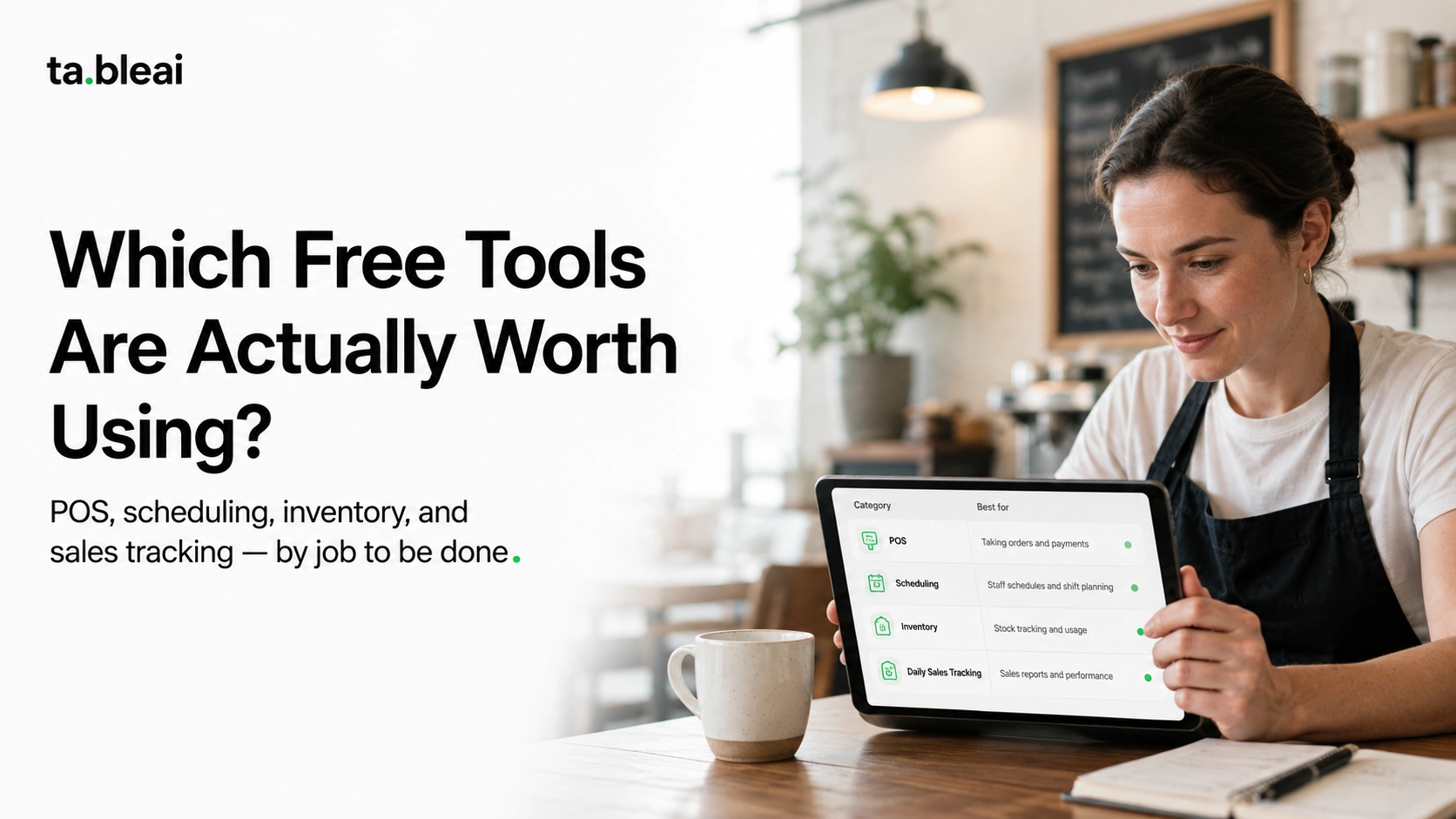
The short version, by job to be done:
- Point of sale: Square Point of Sale (free app, you pay per-transaction processing) or Loyverse (free POS software for basic setups)
- Staff scheduling and time clocks: Homebase free tier (one location, unlimited employees)
- Inventory and low-stock tracking: Loyverse (basic), spreadsheets, or free restaurant inventory software tiers that cap your item count
- Daily sales tracking: a spreadsheet, Square's free reporting, or a WhatsApp-based logger like TableAI (free during early access)
- Everything in one paid bundle for cheap: there isn't a good free one, and that's the honest answer
The rest of this explains where each of those stops being free, because that ceiling is the whole story.
What free restaurant management software really costs you
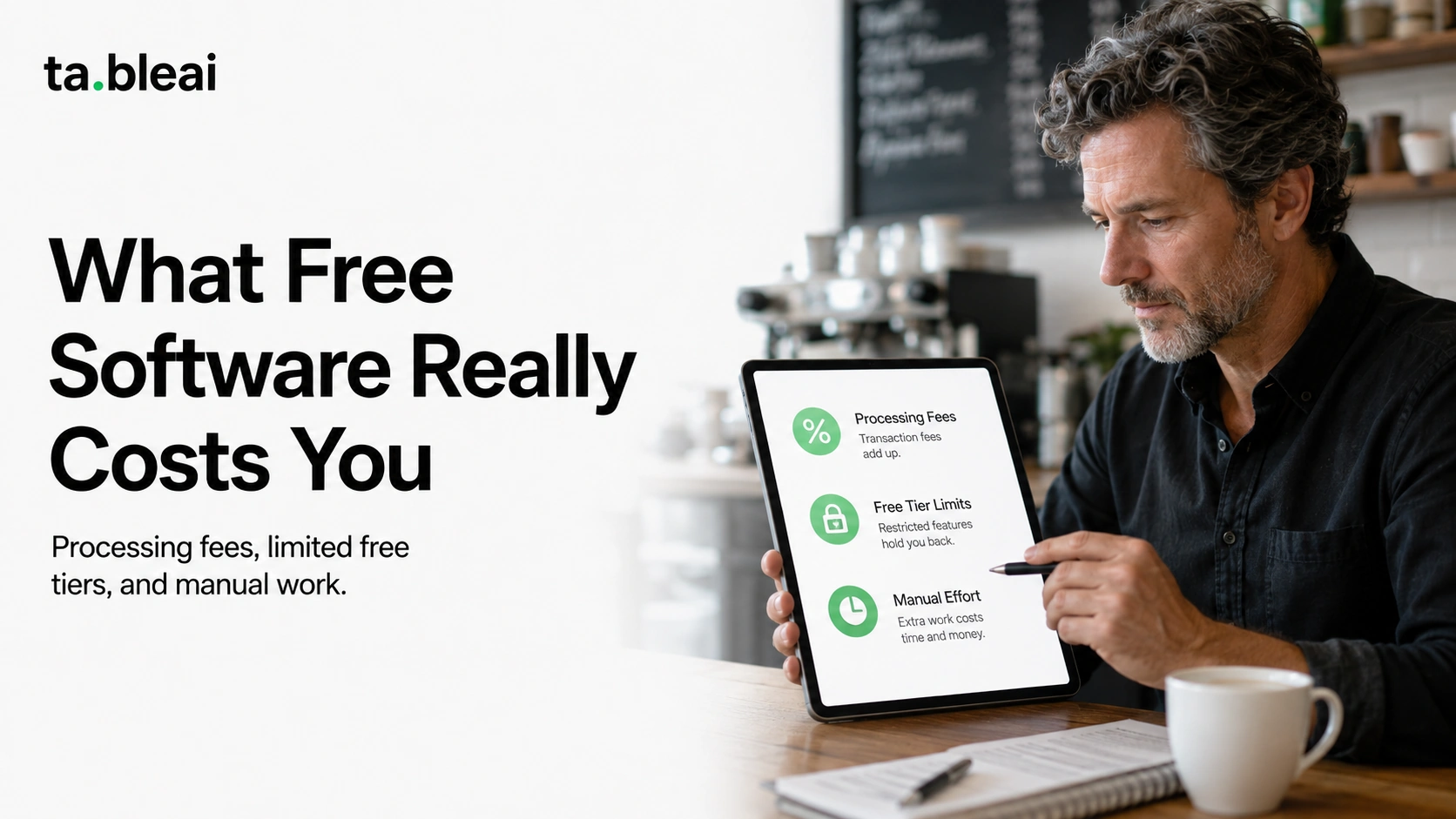
Before the tool list, it helps to name the three ways free restaurant software makes its money off you. Almost every option below falls into one of these.
You pay through processing fees. This is the Square model. The software costs nothing, but every card you swipe carries a fee (commonly reported around 2.6% + $0.10 to 2.9% + $0.30 in 2026, depending on the tool and whether the card is present). If you do $30K a month in card sales, that's roughly $800 to $900 a month flowing out regardless of what the "free" label says. Cheaper than paying for both software and processing, sure. But not free.
You get a demo version. A lot of "free restaurant pos" tiers exist mainly to sell you the paid one. You'll hit a wall fast: a cap on menu items, no kitchen display, no multi-location, reports locked behind an upgrade, or the analytics you actually care about greyed out. The free tier works, it's just built to make the paid tier feel mandatory the moment you get busy.
You pay in manual effort. Spreadsheets are the classic here. Free forever, infinitely flexible, and completely dependent on someone remembering to open the file and type the numbers in every single day. The tool costs nothing. Your evenings do.
Keep those three in mind as you read. When something is free, ask which one it is.
Free restaurant POS
1. Square Point of Sale
Best for: Small restaurants and cafes that want a real POS at $0/month and are fine paying standard processing on each sale.
What you actually get: The free Square Point of Sale app runs on a phone or tablet and handles taking orders, splitting basic checks, applying taxes, emailing receipts, and running reports. You can start with a card reader that costs around $10 to $60 and add hardware later. No monthly software fee on the base plan.
Where the ceiling is: Processing is where Square earns its keep, typically around 2.6% + $0.10 per in-person card in 2026 (reported range, worth confirming for your region). The free tier is the general POS, not Square for Restaurants, which is a paid plan (commonly reported near $60/month) with table management and coursing. So the free version is fine for a counter-service spot and thin for full-service. If you want the deeper comparison, our Square vs Toast breakdown for small restaurants covers where each fits, and the Square comparison page lines it up against a WhatsApp-based approach.
2. Loyverse
Best for: Owners who want free POS software they can run on existing Android or iOS devices, without being pushed onto one company's card processing.
What you actually get: Loyverse gives you a genuinely free POS: unlimited products, sales tracking, basic inventory, a customer loyalty program, and free sales reports. It runs on hardware you already own. Because it isn't tied to a single processor, you can pair it with whatever payment method you like.
Where the ceiling is: The stuff that makes it a business tool costs extra. Advanced inventory (purchase orders, stock management across locations), employee management with access rights, and integrations are paid add-ons billed per employee or per store per month. It's one of the best free restaurant management tools for a single-register operation, but the moment you add staff and real inventory workflows, the monthly cost creeps in.
Free staff scheduling and attendance
3. Homebase
Best for: Truly small teams (under about 20 people, one location) that want scheduling and time clocks without paying anything.
What you actually get: Homebase's free tier is one of the more generous ones out there. Scheduling, time clocks with GPS-verified clock-in, team messaging, and basic hiring tools, for unlimited employees at a single location. Staff clock in from their phones, managers approve timesheets, people request time off in the app. For a small cafe, that's most of what you need on the staffing side.
Where the ceiling is: It's free for one location. The second you open a second site, or you want labor forecasting, payroll integration, or advanced reporting, you're into paid plans (commonly reported starting around $25/month per location and climbing with the tier). Homebase also serves retail and other industries, so it's less restaurant-specific than something like 7shifts. If scheduling is your main headache, the 7shifts vs Homebase comparison for small restaurants digs into which one fits a food business better.
Free restaurant inventory software
4. Loyverse (again), spreadsheets, and capped free tiers
Best for: Tracking what you have on hand without paying for a dedicated inventory platform.
What you actually get: Honest truth: there isn't a great standalone free restaurant inventory software product that does everything and stays free. What exists falls into three buckets. Loyverse's basic inventory (fine for counting stock, weak on recipe costing). Free tiers of larger inventory tools that cap you at a small number of items or a single location. And spreadsheets, which cost nothing and do exactly as much as you're willing to maintain.
Where the ceiling is: Free inventory tools almost always skip the part that actually saves money, which is food cost. Knowing you have 12kg of chicken is easy. Knowing your food cost crept from 31% to 37% last month is the part that pays for itself, and that's usually behind a paywall or a lot of manual spreadsheet math. If you want to do it properly by hand, our restaurant food cost calculator guide and the inventory guide for small businesses walk through the method.
Free sales tracking
5. Spreadsheets and a WhatsApp logger
Best for: Owners who don't need a full POS and mostly want to know, day to day, what came in and what's running low.
What you actually get: If you take mostly cash or use a simple card reader, you may not need POS reporting at all. A spreadsheet does the job for $0. Type yesterday's sales into a cell, and over a month you've got a trend. The problem is the discipline: the spreadsheet only works if someone fills it in every single night, and the night you're slammed is the night it doesn't happen.
Where the ceiling is: Manual effort, and the fact that a spreadsheet never tells you anything you didn't already put in it. It won't warn you that stock is low or that yesterday was your worst Tuesday in six weeks. If you want the logging without the nightly chore, a WhatsApp-based tool sits in this gap. You text "sold 80 today" or "got 20kg chicken," it records it, and it messages you back. This is what TableAI does, and it's free during early access. It's not a POS and doesn't process cards. It's the tracking layer on top of whatever payment method you already use. For the spreadsheet-versus-app tradeoff specifically, we wrote a spreadsheet vs restaurant app comparison, and tracking sales without a POS covers the setup.
Where free restaurant management software stops being enough
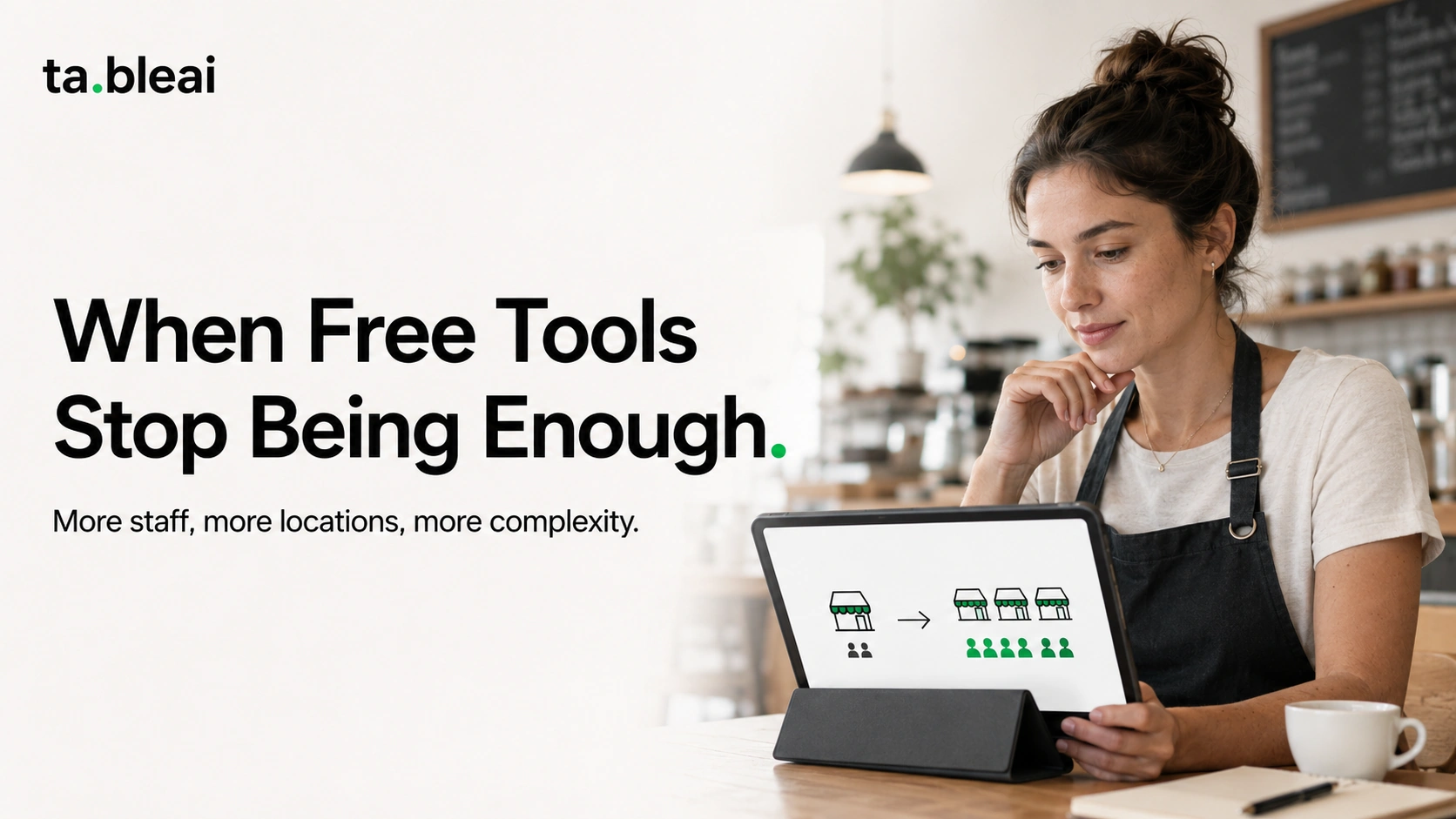
Free tiers are great until your restaurant grows past them, and the growth usually happens in the same order every time.
You add a second location and Homebase's free plan stops working. You hire a few people and Loyverse wants a per-employee fee for access controls. You get busy enough that filling in the spreadsheet at midnight stops happening, and two weeks later you realize you have no idea what your numbers did. None of these are failures of the free tool. They're just the point where free was always going to end.
The other quiet cost is the stitching. A free POS here, free scheduling there, a spreadsheet for inventory, another for sales. Each is free, but now you're the integration layer, copying numbers between four things that don't talk to each other. For a lot of owners, the reason they eventually pay for something isn't a missing feature. It's being tired of being the glue.
What paid actually buys you (and when it's worth it)
The case for paying is simple: it's worth it when the tool saves you more time or money than it costs. For a small independent, that line is usually crossed somewhere between $20 and $50 a month, which is roughly where most useful paid tiers sit. Spend $40 to reliably know your food cost and stop losing an hour a night to admin, and the math is easy.
Reported 2026 ranges, worth verifying for your setup: a free POS app costs $0 in software but the processing (often 2.6% to 2.9% plus a per-transaction fee) is the real bill. Paid restaurant POS plans commonly run $60 and up per month per location before processing. Scheduling tools sit around $25 to $40 per location once you leave the free tier. All-in-one restaurant platforms land much higher. Treat every number here as a starting point to confirm, not a quote, since pricing shifts and depends heavily on volume and region.
If you want the full picture on what tools cost across categories, we broke it down in what restaurant software actually costs in 2026, and there's a dedicated POS pricing comparison if the register is the piece you're weighing. For where TableAI itself lands, the pricing page has the current early-access details.
How TableAI fits into the free conversation
Being straight about our own position: TableAI is free during early access, and planned pricing after that is a flat rate in the $29 to $49 per month range, per restaurant. That's the same "free for now" pattern you should be skeptical of everywhere else, so here's the honest version of the tradeoff.
TableAI is not a POS. It doesn't take payments or print receipts. You keep whatever you use now, whether that's cash, a mobile wallet, or a standalone card reader. What it does is the tracking layer: you text a WhatsApp number for daily sales, ingredient inventory with low-stock alerts, staff attendance, and supplier phone numbers, and every morning at 7am it sends a briefing with yesterday's numbers, what's running low, and what to expect. It's founder-run, so support is a direct WhatsApp reply.
So it's not competing with a free Square POS. It sits next to one. If your gap is "I have a way to take payments but no reliable way to know my numbers without a nightly spreadsheet," that's the gap it's built for. If you need a register, one of the free POS options above is your starting point, not this.
Common questions
Is there truly free restaurant management software with no catch?
No, and anyone claiming otherwise is hiding the catch. The closest to genuinely free are Homebase's single-location tier and Loyverse's basic POS. Both are real and usable, but both are built to convert you to paid once you grow.
Can I run a small restaurant entirely on free tools?
For a while, yes. Square Point of Sale for the register, Homebase for scheduling, a spreadsheet for the rest. It works until you add a location, add staff, or stop having time to keep the spreadsheet current. Plenty of owners run this stack for a year before paying for anything.
Is a free POS good enough for a small cafe?
For counter service, often yes. Square's free app or Loyverse handles a small menu and single register fine. Full-service with table management and coursing is where free POS apps get thin and the paid restaurant plans start to matter.
What's the real cost of "free" POS software?
Processing fees. A free POS app makes its money on every card you swipe, commonly reported around 2.6% + $0.10 in 2026. On $30K a month in card sales that's roughly $800 to $900, which dwarfs any monthly software fee you avoided. Confirm the current rate for your region before you assume free is cheaper.
Do I need paid inventory software?
Only if you want to track food cost properly. Free tools tell you how much stock you have. They rarely tell you whether your food cost is quietly climbing, which is the number that actually decides whether you're making money. If you don't already know how to tell whether your restaurant is losing money, that's the first thing worth solving, free tool or paid.
Bottom line
Free restaurant management software is real, and for a small independent it's often the right place to start. Square or Loyverse for the register, Homebase for staff, a spreadsheet or a WhatsApp logger for the daily numbers. That stack costs $0 in software and will carry a small operation a long way.
Just go in knowing the trade. Free means processing fees, or a demo built to upsell you, or your own time doing the work by hand. None of those are dealbreakers. They're just the actual price. Pay attention to when the free tier ends, because it always does, and when the hour a night you spend gluing free tools together starts costing more than the $30 tool that would replace them.
If the piece you want handled is the daily tracking and the 7am briefing, without buying a whole POS to get it, TableAI is free during early access.
Frequently asked questions
Is there genuinely free restaurant management software?
Yes, but every free option earns its money another way. The closest to truly free are Homebase's single-location tier for scheduling and Loyverse's basic POS software, and both are real and usable while being built to convert you to a paid plan as you grow.
What is the best free restaurant management software?
There is no single best tool, so it depends on the job. Square Point of Sale or Loyverse are the strongest free options for the register, Homebase's free tier is best for staff scheduling and time clocks at one location, and a spreadsheet or a WhatsApp logger like TableAI handles daily sales tracking.
Is free restaurant software actually free?
Not really, because you pay in one of three ways. You either pay through card processing fees instead of a monthly bill, get a stripped-down demo version built to upsell the paid tier, or pay with your own time entering numbers by hand into a spreadsheet.
What can free restaurant tools not do?
Free tools rarely track food cost, which is the number that actually decides whether you make money. They also tend to cap menu items or locations, lock reports and analytics behind an upgrade, and leave you stitching separate free apps together yourself since they do not talk to each other.
What is the real cost of a free POS app?
The real cost is processing fees on every card you swipe, commonly reported around 2.6 percent plus $0.10 per in-person transaction in 2026. On $30K a month in card sales that is roughly $800 to $900, which dwarfs any monthly software fee you avoided.