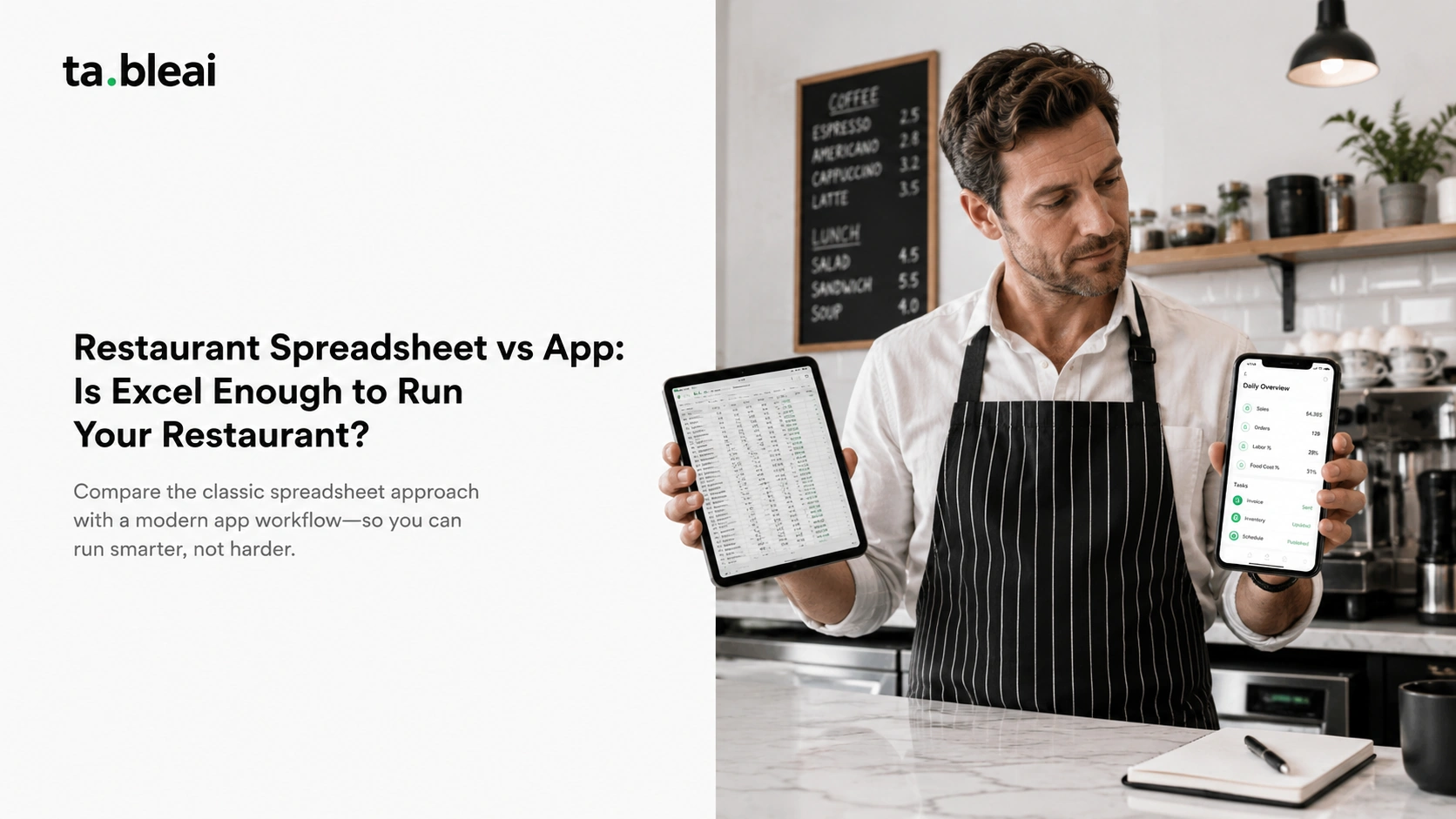
Almost every small restaurant owner starts with a spreadsheet. You open Excel or Google Sheets, make a tab for sales, a tab for inventory, maybe a column for who worked which shift, and for a few weeks it feels like you've got the whole business in one place. Then the entries get thinner. A week goes by with no updates. Three months later you open the file and it's a museum of your good intentions.
That's the real story behind restaurant spreadsheet vs app. The question isn't whether a spreadsheet can run your restaurant. It can. The question is whether you'll actually keep it up, and whether it does the things that quietly save you money when you're too busy to look. This is an honest comparison from people who like spreadsheets and still think most small restaurants stop using them within a season.
Restaurant spreadsheet vs app: the quick answer
Short version, then the reasoning:
- Stick with a spreadsheet if: you genuinely enjoy the data work, you're disciplined enough to update it daily, you want full control and zero monthly cost, and your setup is simple enough that a few tabs cover it.
- Move to an app if: you keep forgetting to update the sheet, you want alerts (low stock, a bad day) instead of having to go look, you want a daily habit built for you, or more than one person needs to log things without breaking your formulas.
- The honest middle ground: you don't need a full POS to get out of spreadsheet hell. A lightweight tracker that logs sales, inventory, and staff without the setup and expense of a point-of-sale system is often the right call for a small independent spot.
Now the details, because the tradeoffs are more interesting than "app good, spreadsheet bad." They aren't.
Where a restaurant management spreadsheet genuinely wins
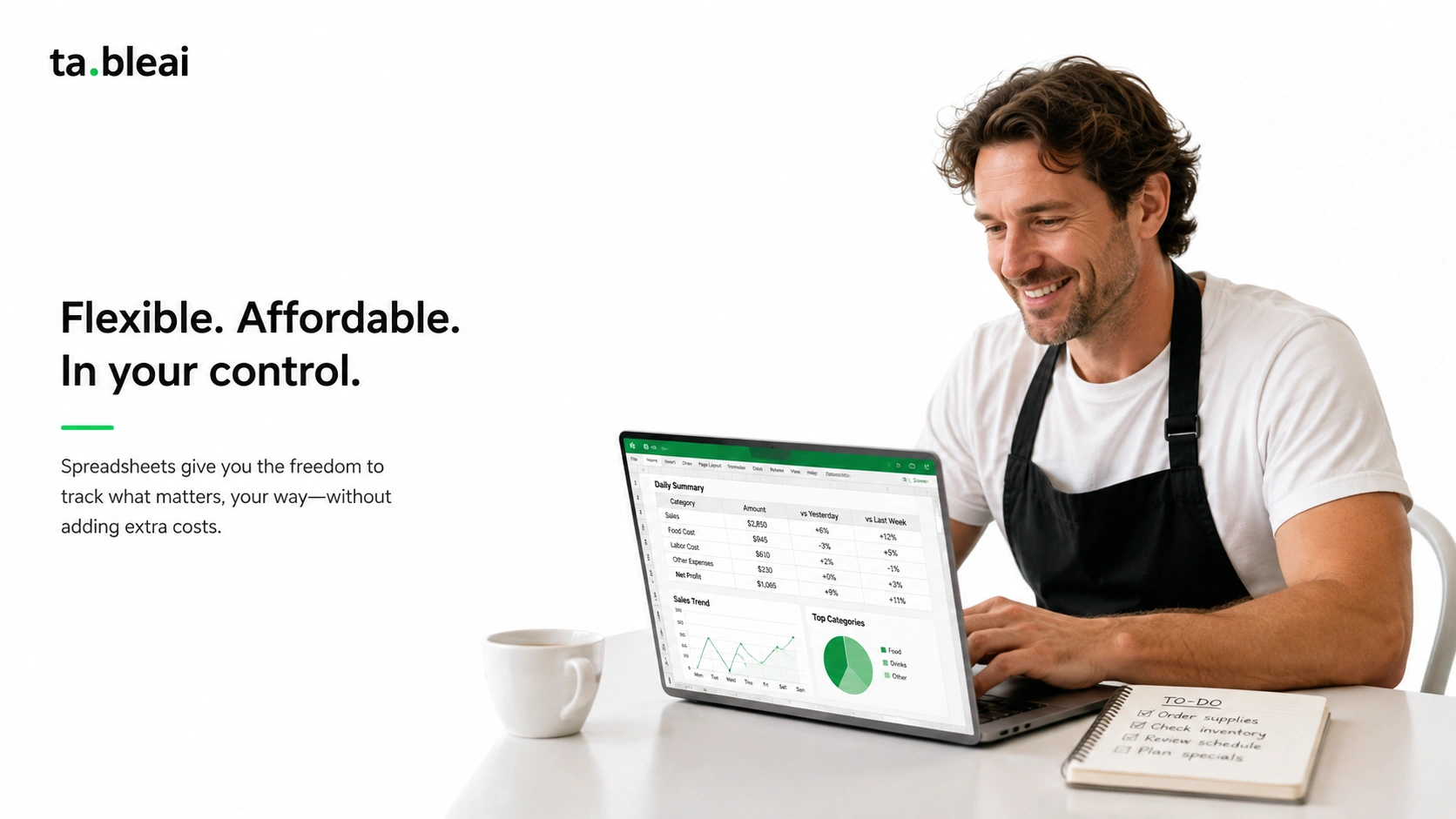
Let's be fair to the spreadsheet, because a lot of comparison articles aren't. Excel and Google Sheets are good tools, and for some owners they're the right answer for years.
It's free, and it's yours. No subscription, no vendor, no account to get locked out of. Your data sits in a file you own. If you already have Microsoft 365 or a Google account, your restaurant management spreadsheet costs you nothing but time. For an owner watching every dollar in year one, that matters.
It bends to whatever you want. This is the real superpower. Want to track wastage by day of week, or model what happens to your food cost if chicken goes up 15%? You can build that in ten minutes. No app will match a spreadsheet for pure flexibility. If your business has a weird quirk, a formula can capture it. Using Excel for a restaurant means you're never waiting on a feature request.
It's a great teacher. Building your own sales and cost sheet forces you to understand your numbers. Owners who've done the work of a proper cost formula tend to have a sharper gut for their margins than owners who just read a dashboard. If you're figuring out your numbers for the first time, doing it by hand in Sheets is not a bad way to learn. Our restaurant food cost calculator guide walks through the math you'd build.
No learning curve for the basics. You already know how to type a number into a cell. There's no onboarding, no app to install, no new interface to figure out at 11pm.
So spreadsheets win on cost, flexibility, ownership, and learning. That's a real list. Here's the part the spreadsheet evangelists skip.
Where spreadsheets quietly fail small restaurants
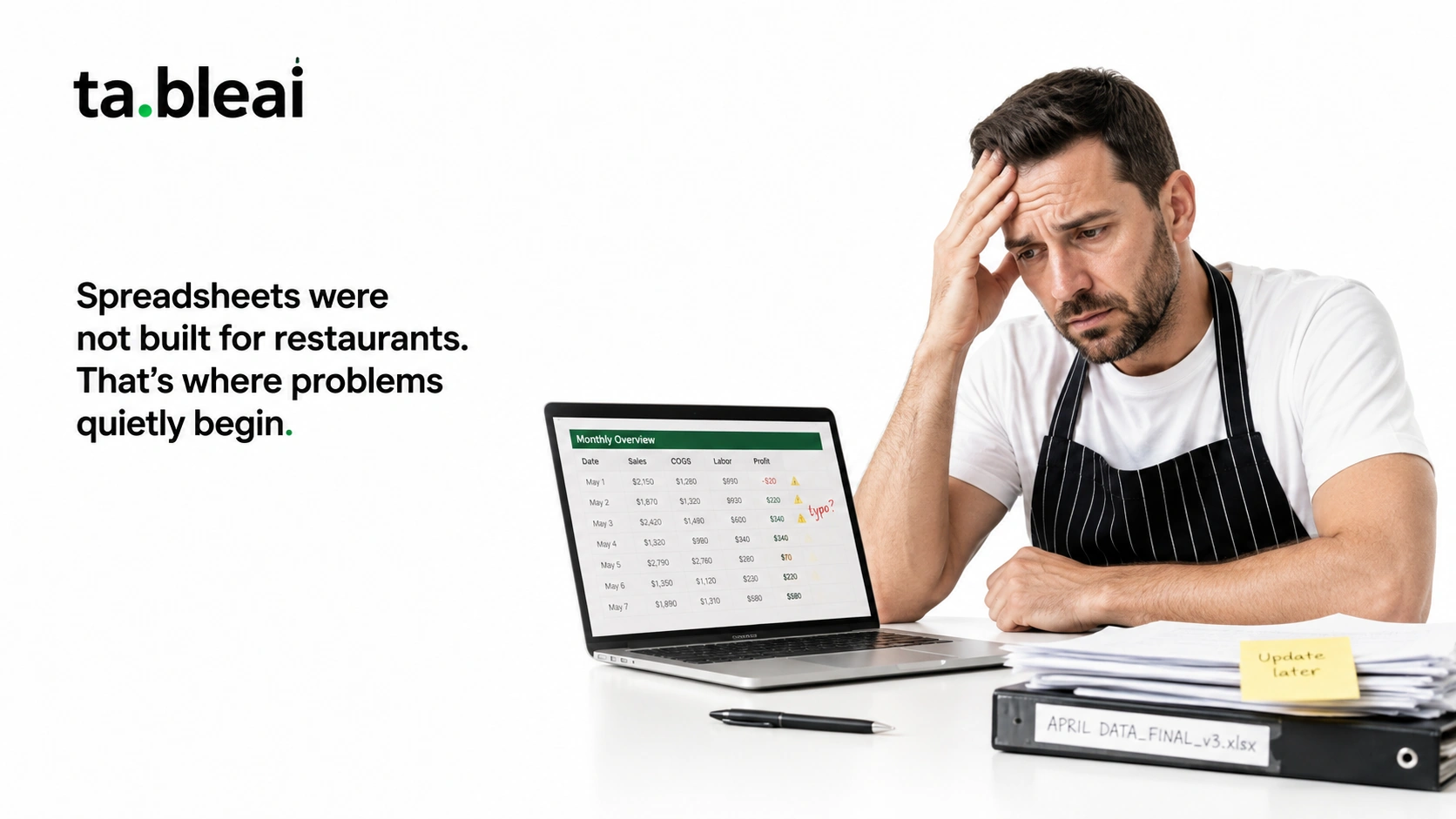
None of these show up in week one. They creep in, which is exactly why they're dangerous. You don't notice the tool failing you until you've already lost the habit or the money.
The entry drop-off is almost guaranteed. This is the big one. A spreadsheet only works if someone updates it every single day, and restaurant days end with you exhausted, not itching to open Excel. The pattern is nearly universal: daily entries for two weeks, then every few days, then "I'll catch up this weekend," then never. A tool that requires discipline you don't have on your worst day isn't really working. It's working on your good days and failing on the days you most need the data.
No alerts. It can't tell you anything. A spreadsheet is passive. It sits there. It will never message you to say chicken is running low or that yesterday was your worst Tuesday in two months. You only learn what the sheet knows when you remember to open it and read it — which, per the point above, you often won't. The whole value of catching a problem early is lost if nobody's watching, and the sheet never watches.
It's error-prone in ways you won't catch. One dragged formula, one row inserted in the wrong place, one accidental overwrite, and your food cost number is quietly wrong for a month. Spreadsheets don't validate what you type. A fat-fingered "8000" instead of "800" won't get flagged. For a tool you're using to make money decisions, silent errors are a real cost.
It breaks the moment a second person touches it. The day you ask a manager or a family member to help update the sheet is the day formulas start disappearing. Multi-person editing in a shared file, especially on phones, is where good spreadsheets go to die. Restaurants are team operations, and spreadsheets are single-author tools.
There's no daily habit, and no morning briefing. Even a disciplined owner has to remember to sit down and review. There's no moment where the numbers come to you. Compare that to opening your phone and reading yesterday's sales, what's low, and what to expect today before you've had coffee. That difference — data pushed to you vs data you have to go dig up — is most of why spreadsheets fade.
The middle ground people miss: not a POS, just a tracker
Here's the trap in the whole "spreadsheet vs app" framing. People assume "app" means a full point-of-sale system: hardware on the counter, card processing, a $69-plus monthly bill, and a weekend of setup. So they look at that, decide it's overkill for their little place, and crawl back to the spreadsheet that's already failing them.
But those aren't the only two options. There's a category between "manual spreadsheet" and "full POS" — a lightweight tracker that does what the spreadsheet was supposed to do, minus the discipline problem. It logs your sales, your inventory, your staff. It doesn't touch payments or replace your register.
This is the lane TableAI sits in. It's a WhatsApp-based tracker, not a POS. You text it like you'd text a person — "sold 80 today," "got 20kg chicken," "Sarah was off sick" — and it logs everything. Every morning at 7am it sends a briefing: yesterday's numbers, what ingredients are low, what to expect today. It handles daily sales, ingredient inventory with low-stock alerts, staff attendance, and even stores your supplier phone numbers. You keep whatever you use for payments now — cash, a mobile wallet, a standalone card reader. Nothing about your register changes.
The reason this beats a spreadsheet for most small restaurants isn't features. It's friction. Texting a number takes five seconds and you already do it fifty times a day. Opening a laptop, finding the file, and typing into the right cell takes a minute and a level of energy you don't have after service. The tool that fits into a habit you already have is the tool that actually gets used. We wrote more about running the whole operation this way in track your restaurant sales without a POS.
Restaurant spreadsheet vs app: a simple decision framework
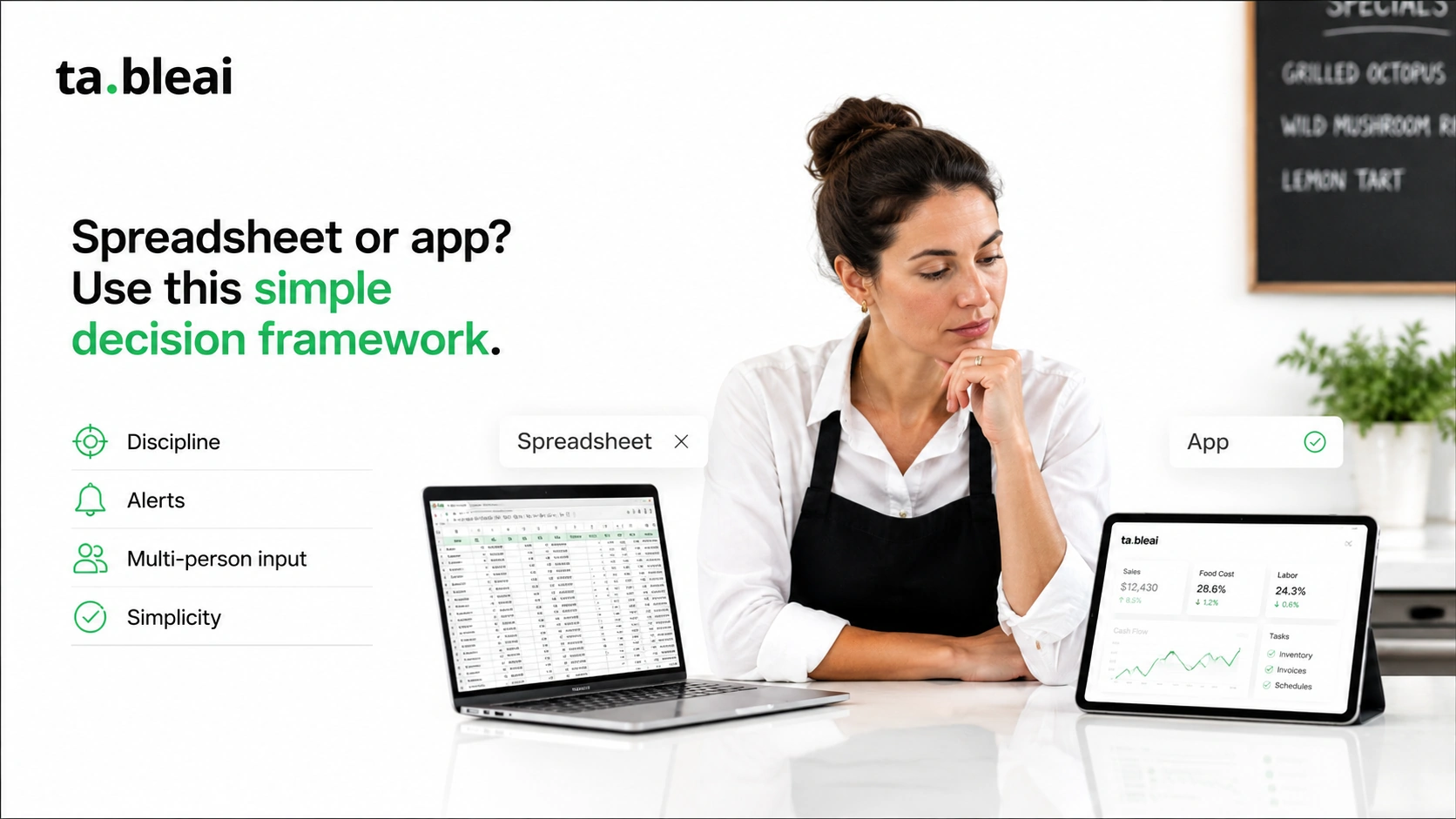
Forget feature lists. Answer these four questions honestly and the answer falls out.
1. Have you actually kept a spreadsheet updated for 90 straight days? If yes, and you enjoyed it, keep going. You're the rare owner for whom the sheet works. If you've tried and drifted off more than once, that's your answer — the tool isn't the problem, the daily-discipline requirement is, and it won't change.
2. Do you want to be told when something's wrong, or are you happy to go look? Spreadsheets need you to go look. If you want a low-stock alert or a nudge on a bad day without opening anything, you want a tool that pushes to you.
3. Will more than one person be entering data? If a manager, spouse, or staff member will log sales or stock, a shared spreadsheet will get broken. A tracker where each person just sends a message doesn't have that failure mode.
4. Is your problem "I don't know my numbers" or "I don't act on them"? If you don't know your numbers yet, building a spreadsheet is genuinely good learning. If you know them but keep failing to track day to day, more spreadsheet won't fix that. Our piece on how to know if your restaurant is losing money is a good gut check either way.
A rough rule: spreadsheets are for owners who love the data work and work alone. Apps and trackers are for owners who want the data work done for them so they can get back to the floor. Neither is wrong. They're built for different people.
What about cost?
The spreadsheet's headline advantage is that it's free, and that's true up to a point. If you already pay for Microsoft 365 or use Google Sheets, there's no added software cost. That's a real edge over anything with a subscription.
The catch is that "free" only counts the software, not the time or the misses. An hour a week maintaining a sheet is roughly 50 hours a year of owner time. A stockout you didn't catch, or a food-cost creep you didn't spot for a month, can cost more than a year of any tracking tool. Free software isn't free if it lets expensive problems slide.
For paid tools, the ranges reported in 2026 are wide. Full restaurant POS systems commonly run $60-$200+ per month before payment processing and hardware, and the big names carry the heaviest setup (see our TableAI vs Toast breakdown if you're weighing a full POS). Lightweight trackers and operations tools sit lower, often in the $20-$50 per month range. TableAI's planned pricing lands around $29-$49 per month per location, and it's free during early access. (Treat all of these as reported ranges to verify for your own setup — vendors change pricing, and add-ons move the real number.) For a fuller breakdown, see our 2026 restaurant software cost guide.
If you run a small cafe specifically, we put together a page on what a cafe actually needs to track that gets more concrete about the day-to-day.
Common questions
Is Excel good enough to run a small restaurant? For tracking, yes — technically. Excel or Google Sheets can hold your sales, food cost, inventory, and staff data with no software cost. The honest catch is that "good enough" assumes you keep it updated every day, catch your own typos, and remember to review it. Most owners manage the first two weeks and then drift. If you're genuinely disciplined and working solo, Excel is fine. If you're not, the problem isn't Excel, it's the daily-entry burden it puts on you.
Can Google Sheets do restaurant tracking well? Google Sheets does restaurant tracking as well as Excel and adds easy sharing and phone access. It's a solid free option, and the shared-link feature helps if one person maintains it. The same weaknesses apply: it won't alert you to anything, it doesn't stop entry errors, and multi-person editing on phones tends to break formulas.
Do I need a POS to get off spreadsheets? No, and this is the assumption that keeps people stuck. A full POS is one option, but there's a lighter category — trackers that log sales, inventory, and staff without processing payments or replacing your register. You can leave the spreadsheet behind without buying counter hardware or committing to a POS contract.
What actually makes an app stick when a spreadsheet didn't? Lower friction, plus alerts. If logging takes five seconds through something you already use (like WhatsApp) instead of opening a laptop, you'll actually do it. And because the tool pushes a morning briefing and low-stock alerts to you, you don't have to remember to check anything. Removing the "remember to go look" step is most of the difference.
Is a spreadsheet more accurate than an app? Not usually. A spreadsheet is only as accurate as the person maintaining it, and it does nothing to catch mistakes. One wrong formula drag or a mistyped number can quietly skew your numbers for weeks with no warning. A tool with basic validation and a daily summary tends to surface odd numbers faster.
Bottom line
A spreadsheet is a fine way to run a restaurant if you're the kind of owner who'll keep it up — disciplined, working solo, and happy to open the file every day and read your own numbers. If that's you, no app is going to beat the flexibility and zero cost of a well-built sheet. Genuinely.
For everyone else, and that's most small independents, the spreadsheet doesn't fail because it's a bad tool. It fails because it asks for a habit you can't sustain on a 14-hour day, and it never warns you when something's going wrong. The fix isn't willpower and it isn't a full POS. It's a lower-friction way to log the same things and have the important numbers come to you. That's the whole pitch: a tracker you can text in five seconds, and a morning briefing that tells you what a spreadsheet never would.
If you want to try that approach, TableAI is free during early access.
Frequently asked questions
Is a spreadsheet good enough to run a small restaurant?
Technically yes, a spreadsheet can hold your sales, food cost, inventory, and staff data at no software cost. The catch is that it only works if you update it every day, catch your own typos, and remember to review it, and most owners drift off after the first couple of weeks.
Excel vs an app for restaurant tracking: which is better?
Excel wins on cost, flexibility, and ownership, while an app wins on friction and alerts. Excel is free and bends to any custom calculation, but an app logs entries faster and pushes low-stock alerts and a daily summary to you instead of waiting for you to go look.
When should a restaurant switch from spreadsheets to an app?
Switch when you keep forgetting to update the sheet, when more than one person needs to log data, or when you want to be told something is wrong instead of having to go check. If you have tried a spreadsheet and drifted off more than once, the daily-discipline requirement is the problem and it will not change.
What is the main downside of tracking a restaurant in a spreadsheet?
The biggest downside is the entry drop-off, because a spreadsheet only works if someone updates it every single day and restaurant days end with you exhausted. It is also passive, so it never alerts you to low stock or a bad day, and silent typos can skew your numbers for weeks with no warning.
Do I need a POS to get off spreadsheets?
No, a full point-of-sale system is not the only alternative to a spreadsheet. A lightweight tracker logs sales, inventory, and staff without processing payments or replacing your register, so you can leave the spreadsheet behind without buying counter hardware or signing a POS contract.