Comparison
TableAI vs 7shifts
7shifts is scheduling software. TableAI is broader — sales, inventory, and staff tracking. Different tools for different jobs.
Different products
These aren't direct competitors
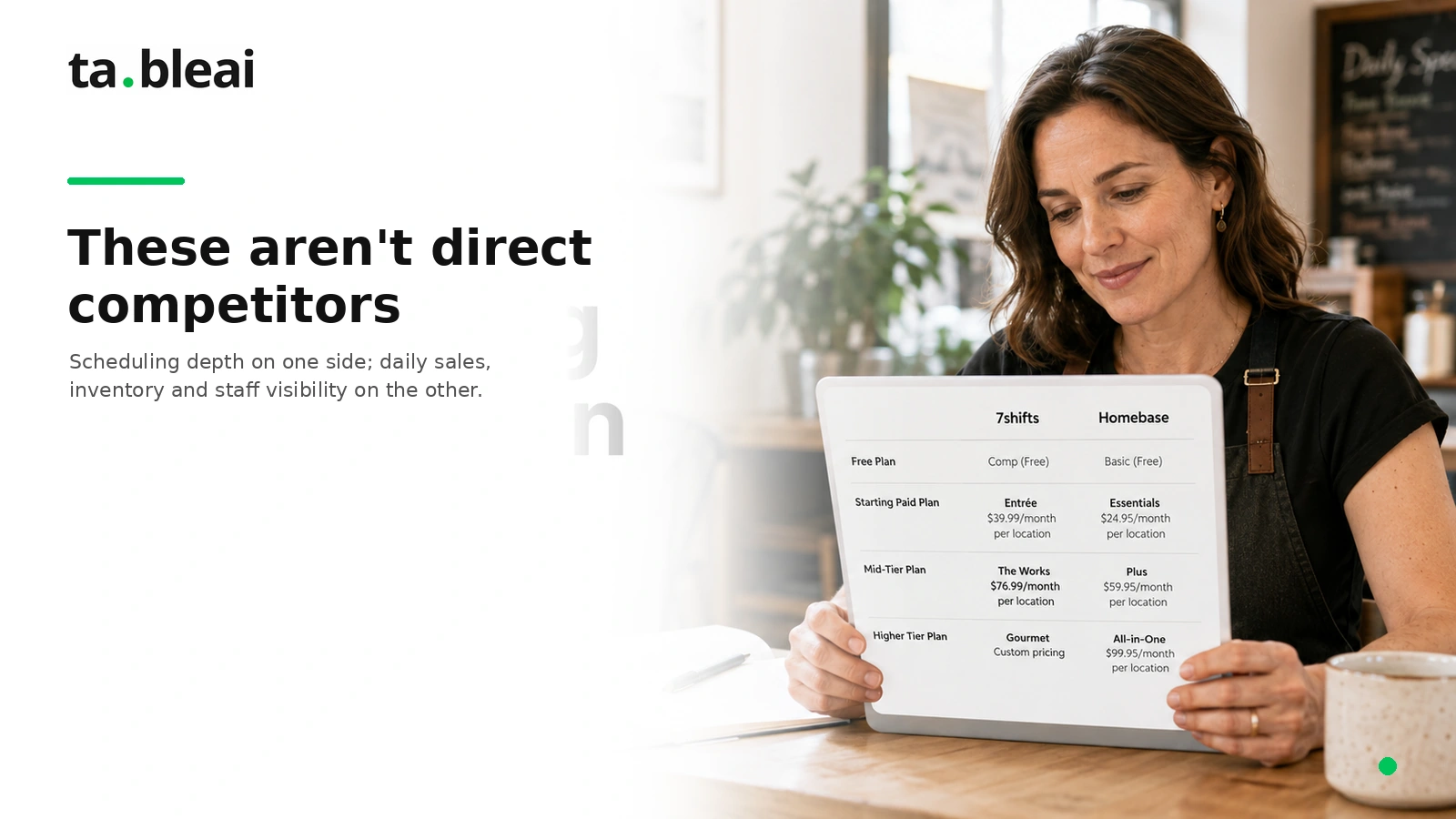
7shifts is the best-in-class restaurant scheduling tool. Drag-and-drop shift building, forecasted labor cost, POS integrations, shift swap requests. If you have 15+ hourly employees and need to build a weekly schedule, 7shifts is genuinely great at that job. If scheduling is your main need, our 7shifts vs Homebase for small restaurants guide compares the dedicated tools.
TableAI doesn't do scheduling. It tracks attendance (who showed up, who was late), stores staff info, and includes staff patterns in your morning briefing. But it won't build next week's roster or send shift reminders.
What TableAI does that 7shifts doesn't: daily sales tracking, ingredient inventory, low-stock alerts, morning briefings, supplier phone storage. It's a broader operations layer, not a scheduling specialist.
Real pricing
What 7shifts actually costs in 2026
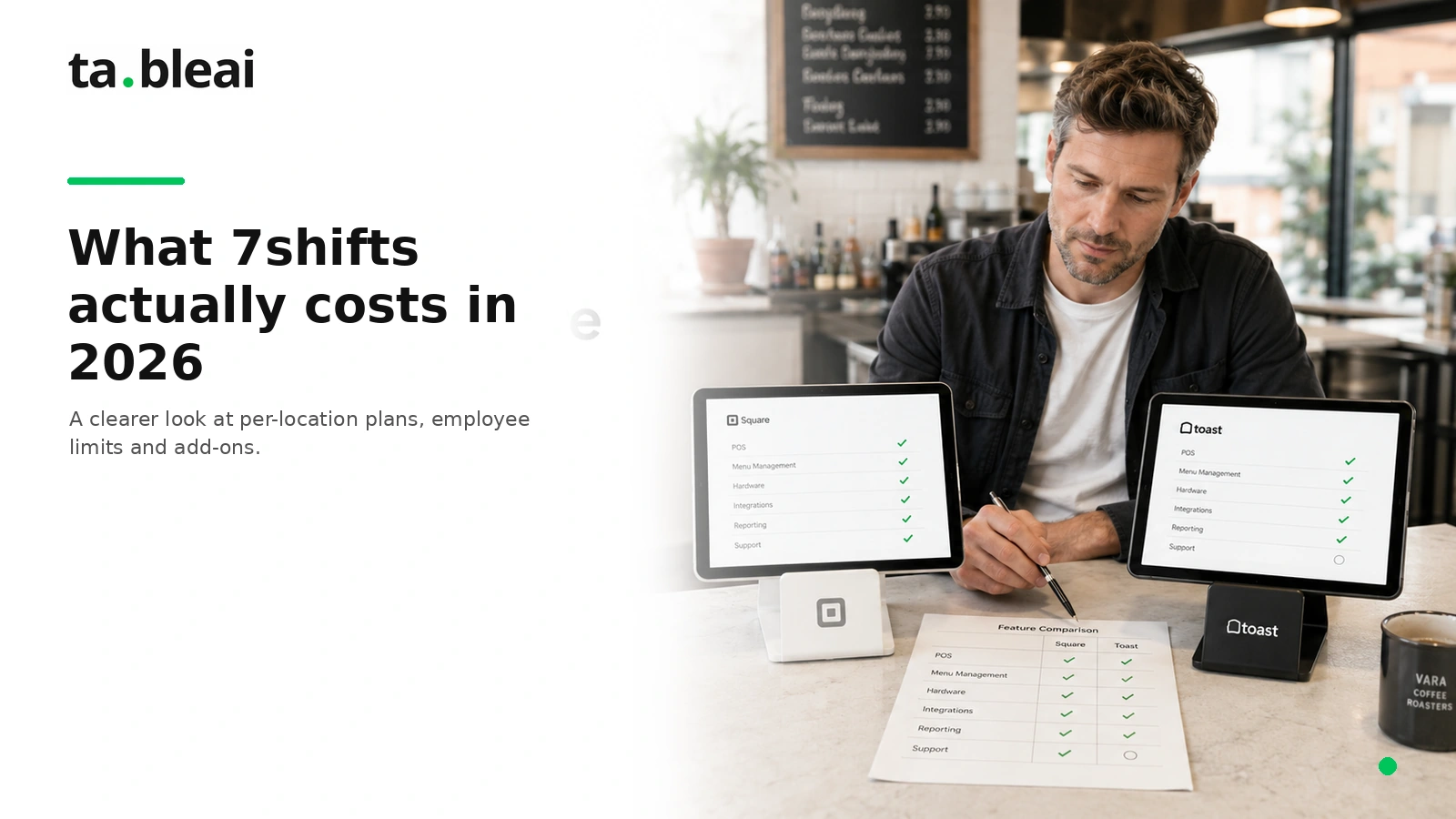
Per location, per month:
- Comp — Free. Up to 15 employees. Single location. Basic scheduling only, no time tracking or POS integration.
- Essentials — $39.99/month. Up to 30 employees. Adds time clocking, better scheduling, team communication.
- Pro — $79.99/month. Unlimited employees. Adds compliance tools, POS integration, labor forecasting.
- Premium — $134.99/month. Adds auto-scheduling, tip pooling, task management, payroll.
- Add-ons: Payroll separate, Tip Management $49.99/month + $1/transaction, POS integration setup fees ($10-50/location depending on POS).
3-location group on Pro: $239.97/month or $2,879.64/year. Plus payroll and add-ons.
TableAI is a flat $29-49/month for the whole operation — no per-location or per-employee tiers. See our pricing.
Sources: 7shifts published pricing 2026, G2 verified data, POSUSA and OnTheClock reviews, workstream.us breakdown.
Feature comparison
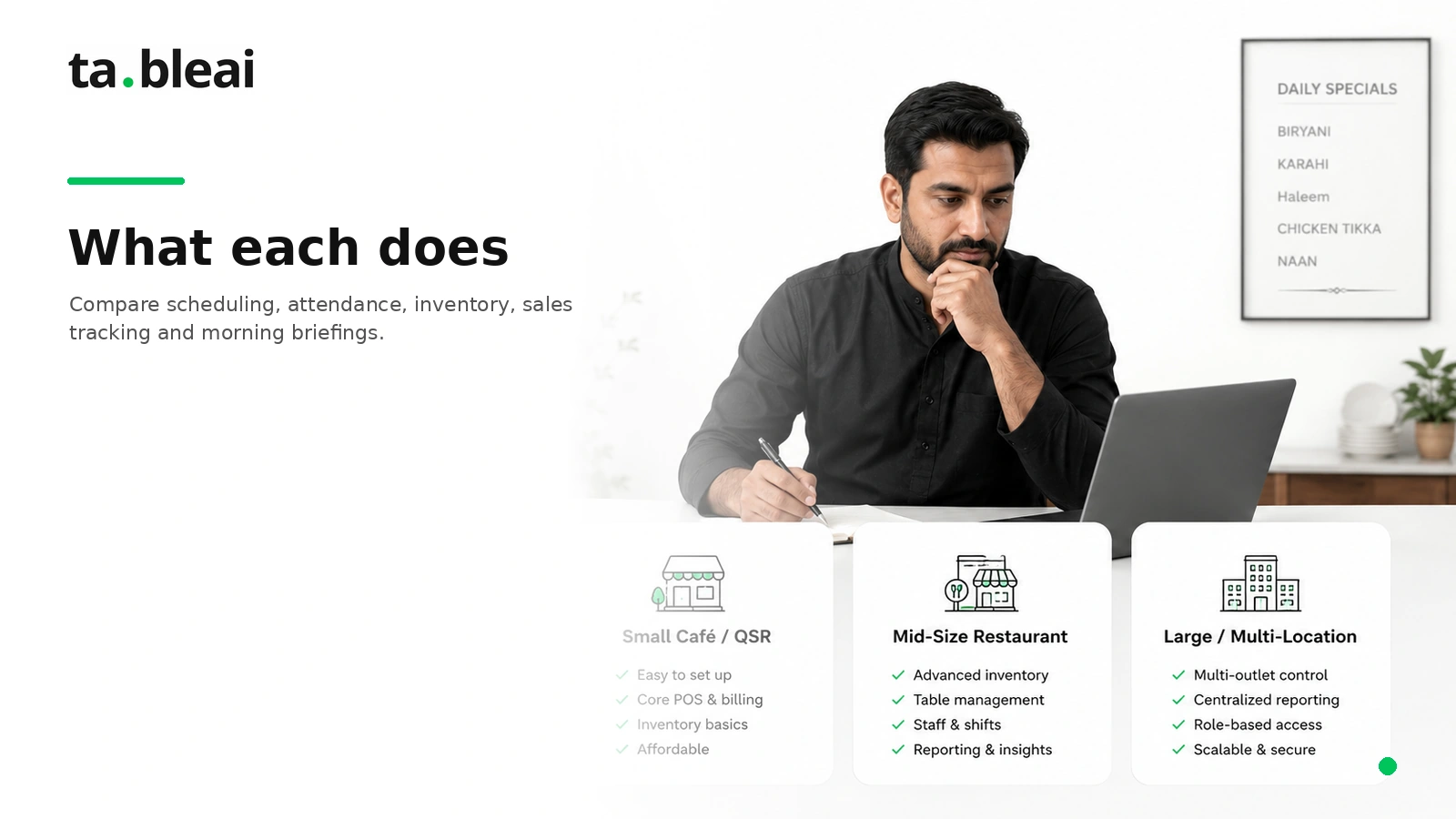
What each does
| Feature | 7shifts (2026) | TableAI |
|---|---|---|
| Cost per location | $0-134.99/mo | $0-49/mo total |
| Employee limit (free tier) | 15 | Unlimited |
| Drag-and-drop scheduling | Yes (great) | No |
| Shift swap requests | Yes | No |
| Time clocking | Yes ($39.99+) | Attendance logging only |
| Labor cost forecasting | Yes (Pro+) | No |
| POS integration for labor | Yes (65+ POS) | No (not needed) |
| Daily sales tracking | No (pulls from POS) | Yes (via WhatsApp) |
| Ingredient inventory | No | Yes |
| Low-stock alerts | No | Yes (in morning briefing) |
| Supplier phone storage | No | Yes (one-tap call) |
| Morning briefing | No | Yes (daily at 7am) |
| Staff attendance patterns | Yes (Pro+) | Yes (all plans) |
| Payroll | Add-on | No |
| Interface | Mobile app + web | WhatsApp only |
| Setup time | Hours to days | 60 seconds |
Which do you need?
The honest answer
Get 7shifts if...
- You have 15+ hourly employees across multiple shifts
- Building next week's schedule is a real weekly pain
- You want employees to swap shifts without calling you
- You need labor cost forecasting tied to POS revenue
- You're in a labor-compliance state (California, New York, DC)
- Payroll integration is a priority
Get TableAI if...
- You have under 10 staff and the schedule is stable
- Your bigger problems are: tracking daily sales, not running out of stock, and knowing yesterday's number
- You want one tool for sales + inventory + staff, not three
- You're outside 7shifts' core markets (US, UK, Canada, Australia)
- You'd rather text than open another app
Use both if...
- You have 20+ employees and complex scheduling — 7shifts for that
- And you also want daily briefings, inventory tracking, and sales insights — TableAI for that
- The two don't conflict. Different jobs.
The bottom line
Not really an either/or
7shifts is scheduling software. Great at scheduling. Priced accordingly for restaurants with real workforce complexity.
TableAI is broader-but-simpler operations tracking. Great at daily numbers, inventory, and briefings. Priced accordingly for restaurants that don't need scheduling software but do need a tool.
If you're a 6-person café where the schedule doesn't change month to month, TableAI covers what you need — see how it works for cafés. If you're a 25-person full-service restaurant with rotating shifts, run both.
Weighing the POS side too? See TableAI vs Toast and vs Square.
Try TableAI while it's free.
60-second WhatsApp setup. No card, no forms.
Get early access →