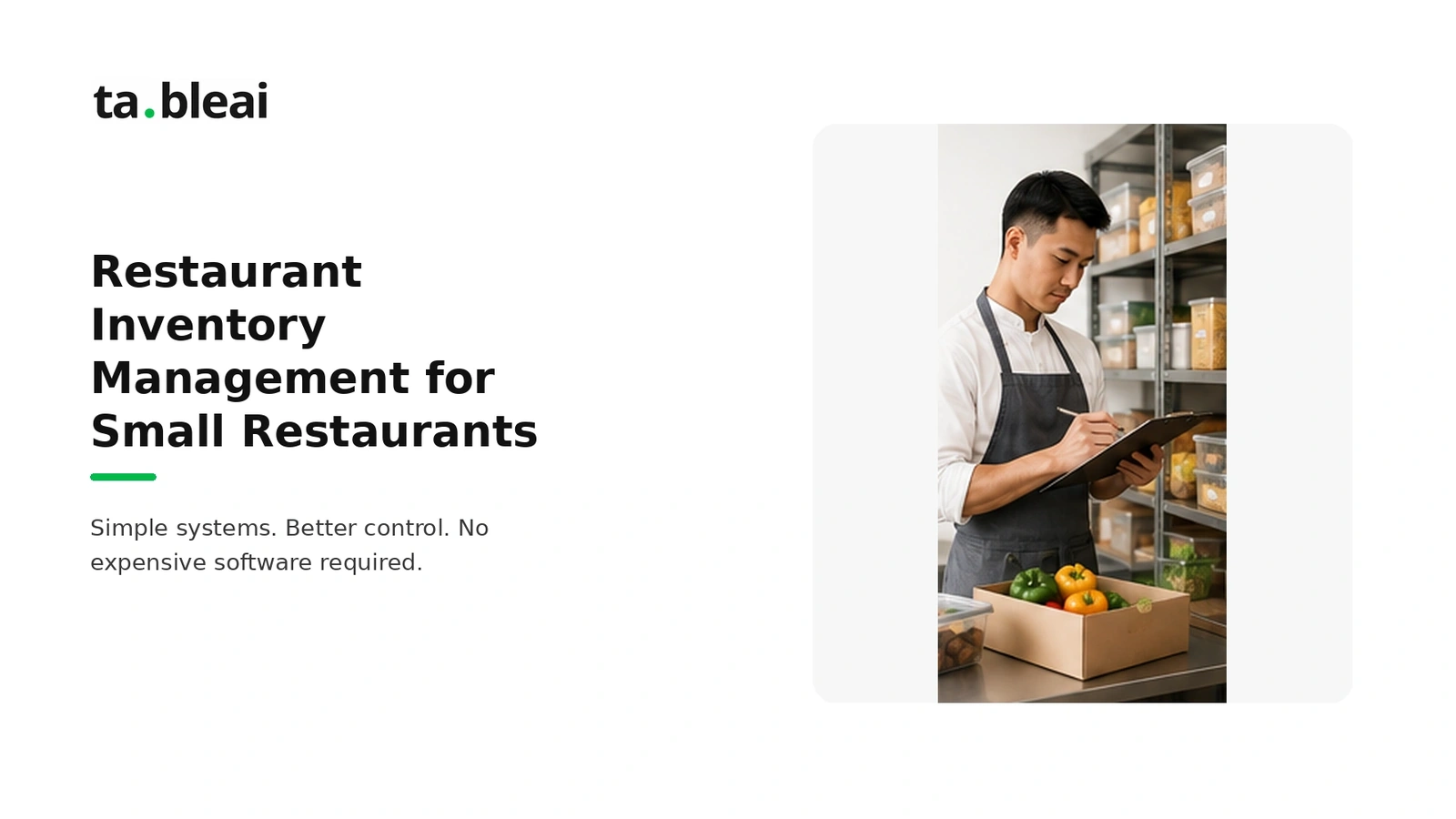
A small restaurant can start tracking inventory with a count sheet, complete purchase records, and a consistent counting routine. The tool matters less than whether the records reflect what is actually in the kitchen.
Start with one storage area, agree on units, and record a physical count. Then expand the list until it covers the inventory needed for your food-cost calculation. Daily checks can focus on important ingredients; an accounting count needs the full relevant inventory.
For a ready-made count sheet, download the free restaurant inventory spreadsheet. It calculates stock value and order quantities from your counts, target stock and outstanding orders.
Build a count sheet you can use during service prep
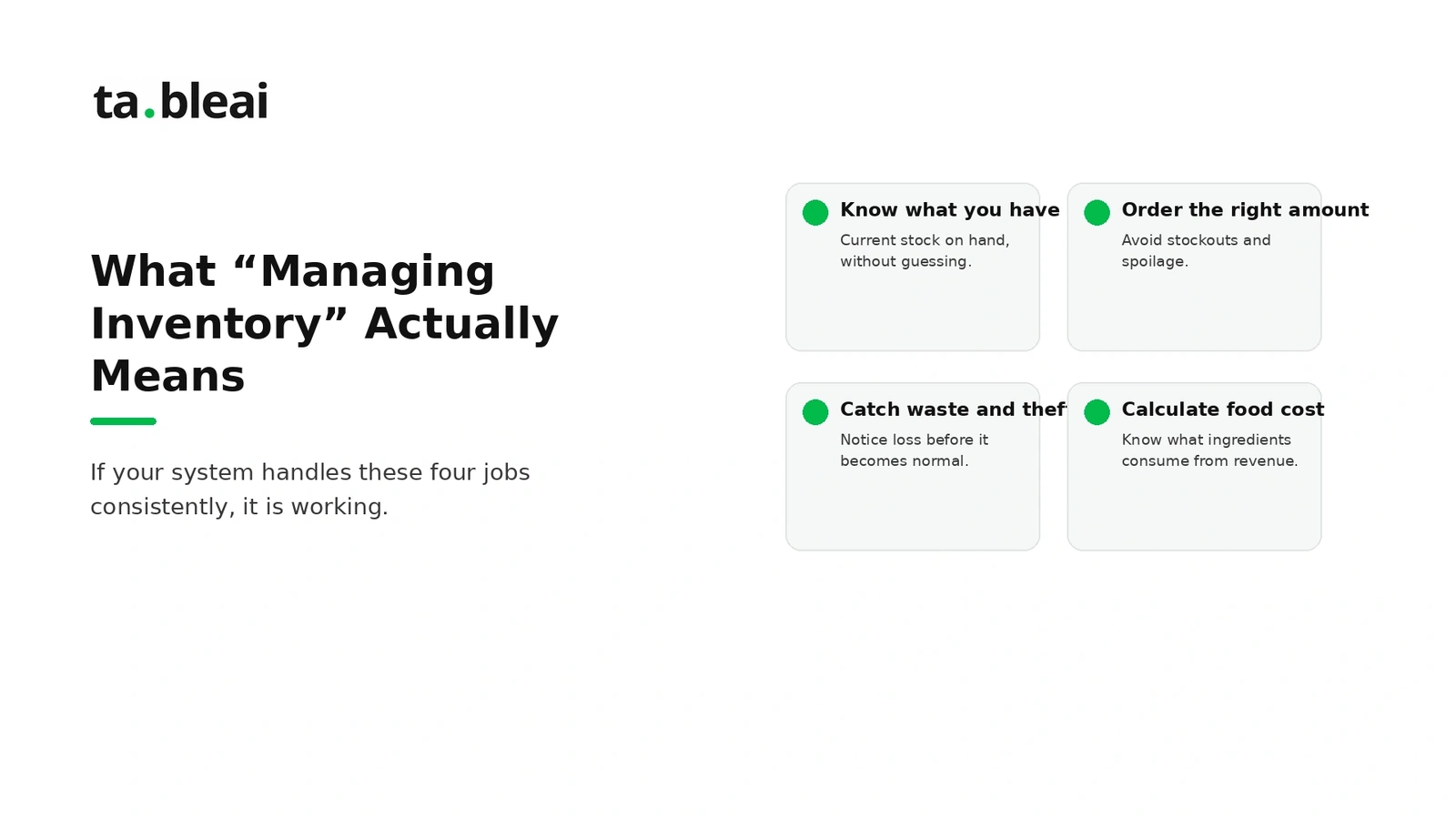
Copy these columns into your preferred spreadsheet or onto a printed sheet. The numbers below are an illustrative example in one currency, not a customer record.
| Item | Storage area | Unit | Unit cost | Count | Stock value | Target stock | On order | Suggested order |
|---|---|---|---|---|---|---|---|---|
| Chicken | Walk-in | kg | 6 | 12 | 72 | 20 | 3 | 5 |
| Rice | Dry store | kg | 2 | 25 | 50 | 30 | 0 | 5 |
| Tomatoes | Walk-in | kg | 3 | 8 | 24 | 6 | 0 | 0 |
Stock value is unit cost × count. For a simple order-up-to system, suggested order is max(0, target stock − count − stock already on order). With these columns in A through I, enter =D2*E2 in F2 and =MAX(0,G2-E2-H2) in I2, then copy the formulas down.
Keep all quantities in the same unit. If a supplier sells cases, record the number of kilograms or individual units in each case so purchasing and counting agree. Add supplier, use-by date, and count date columns if needed.
This starter sheet does not automatically account for minimum order quantities, expected waste, or demand changes. Review suggested quantities before ordering.
Set target stock from your delivery schedule
Target stock should cover the period until replenishment, with a buffer suited to demand uncertainty and shelf life. A reorder point is the level that triggers an order; it is not necessarily the same as the target you order up to.
For example, suppose your kitchen expects to use 8 kg of chicken before the next delivery and chooses a 2 kg buffer. Its target is 10 kg. With 4 kg on hand and 1 kg already on order, the suggested order is 5 kg. These are example assumptions: choose your own buffer using recent demand and spoilage records.
For short-life ingredients, a large buffer can create waste. Adjust for bookings, events, closures, delivery lead time, and available storage rather than applying one fixed percentage to every item.
A repeatable count routine
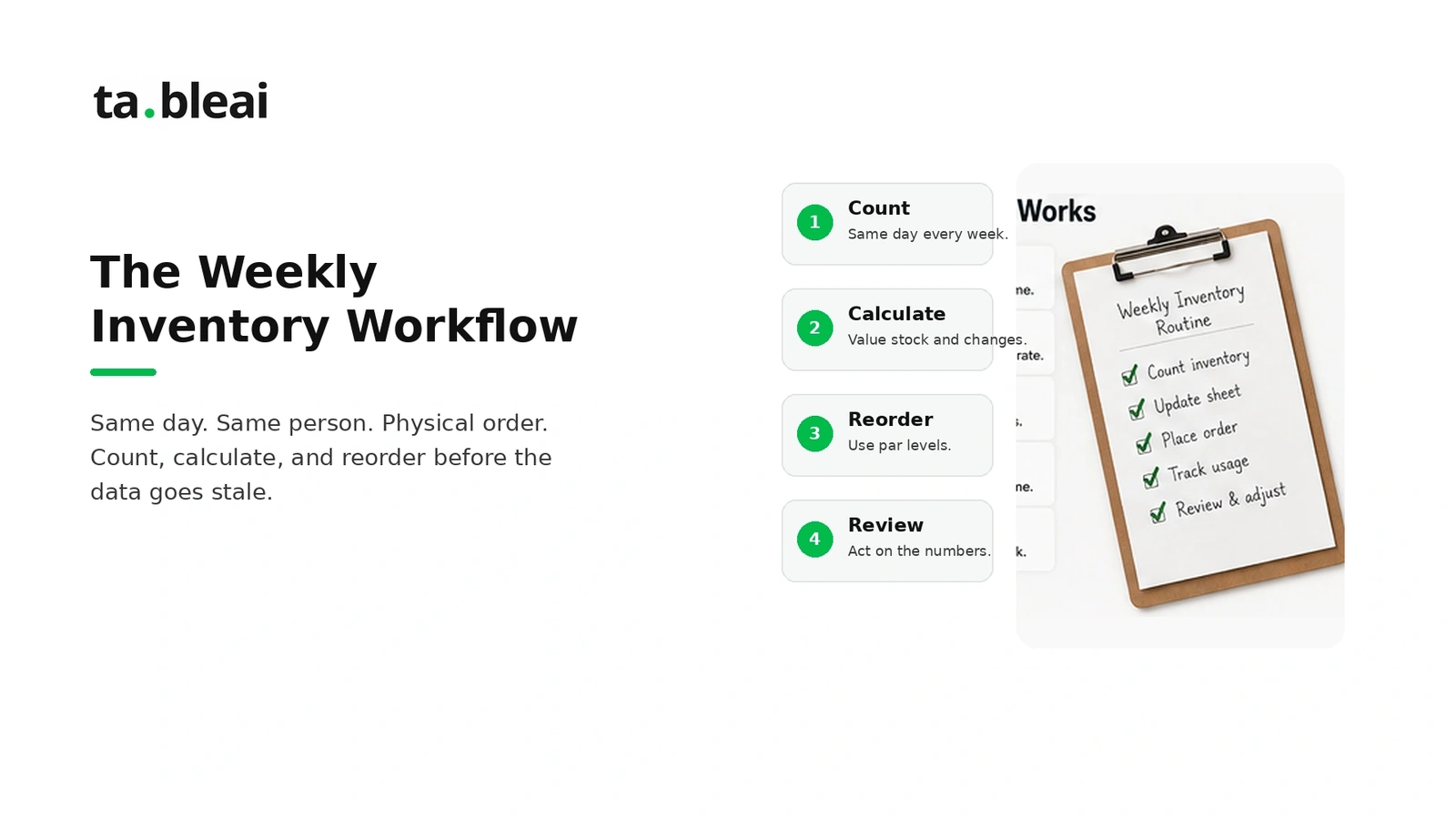
- Choose a consistent cutoff. Count before opening or after closing, when stock is not moving. Record any deliveries or transfers during the count.
- Follow the storage layout. List items in the order you walk past them, including opened packages and prepared stock where relevant.
- Agree on units and valuation. Train everyone to count a partial case the same way. Use a consistent cost basis.
- Reconcile purchases and transfers. Include cash purchases and avoid counting the same invoice twice.
- Review differences that day. Recount unexpected numbers before using them to order or calculate food cost.
A weekly count can be a useful starting routine, with more frequent checks for fast-moving or expensive ingredients. Choose the schedule around the decisions you need to make and the time the team can sustain.
Connect the count to food cost
Food used = Beginning inventory + Food purchases − Ending inventory
Food cost percentage = Food used ÷ Food sales × 100
Use the same period for every input. In an illustrative month, beginning inventory of 4,200 plus purchases of 12,800 minus ending inventory of 3,900 gives food used of 13,100. With food sales of 46,000, food cost is approximately 28.48%.
Try your own figures in the free food-cost calculator. Toast explains the inventory-based formula and why purchases alone do not measure consumption.
Weekly and monthly results can both help if their dates, counts, and purchases line up. Compare the result with your recipe costs and previous periods. A percentage by itself does not establish profitability or prove theft.
Investigate waste without guessing
Keep a waste log with the item, quantity, date, and reason. Separate spoilage from preparation waste and returned meals. Compare repeated losses with purchase quantities, preparation batches, and supplier delivery frequency.
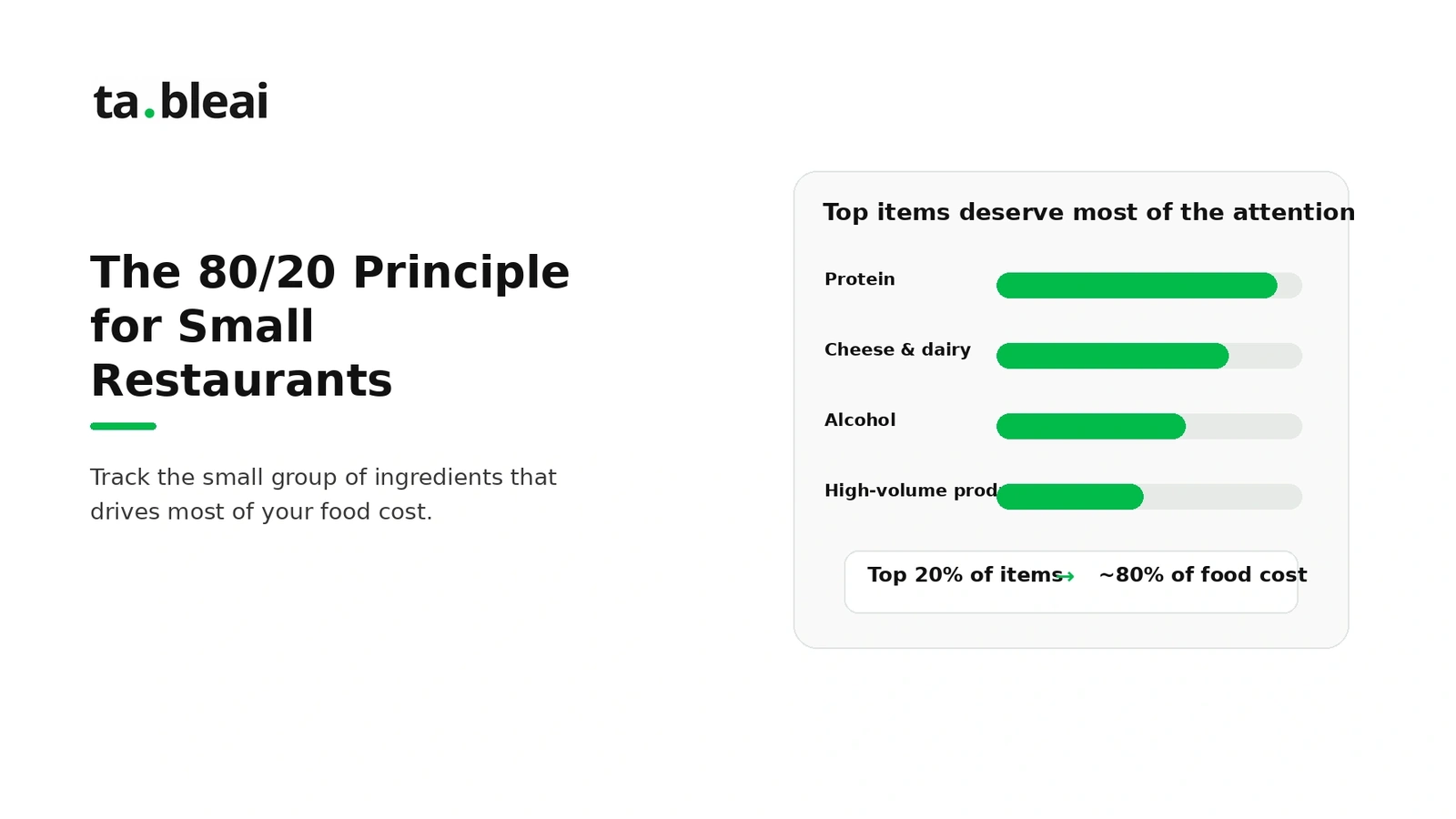
Prioritize expensive ingredients for daily attention, but do not omit the rest from a complete period-end inventory valuation. See the food-waste guide for operating ideas to evaluate in your kitchen.
When a spreadsheet is enough—and when to change tools
A sheet is a reasonable starting point when the item list is manageable and someone owns the count. Consider software when multiple locations, purchasing approvals, recipe-level costing, or integrations create more work than the sheet can reliably handle.
Do not choose a tool solely because revenue passes a particular threshold. Test whether it solves your actual workflow, and confirm its current pricing and limits with the supplier.
TableAI is our product for recording sales, stock updates, and staff information through WhatsApp. It can support daily operating records, but it does not remove the need for physical counts and complete purchase records. See TableAI pricing and availability.
Common questions
Must I buy inventory software immediately?
No. Start with the count sheet above and evaluate where the process becomes difficult. A reliable paper or spreadsheet process is useful even if you later adopt software.
Can I count only the most expensive items?
For a daily spot check, yes. For a complete food-cost calculation, include all relevant food inventory or your result will be incomplete.
What if I miss a weekly count?
Resume the routine and record the gap. You cannot calculate that week's inventory-based consumption accurately without its boundary counts. A monthly calculation can still be valid if its own beginning and ending counts and purchase records are complete.