Clover is everywhere. It's sold by banks, by payment resellers, by your merchant services rep who called out of nowhere, and directly by Fiserv, the company that owns it. That reach is exactly why so many small restaurants end up on Clover without ever really choosing it — and why so many of them go hunting for Clover alternatives a year later, once the bills and the contract fine print sink in.
This guide is for that second group. The cafe owner who signed a 48-month equipment lease they didn't fully read. The quick-service operator whose processing rate is different from the shop down the street running the identical Clover Station, because a different reseller set them up. The owner who just wants to track sales and stock and is paying for a full POS to do it.
There are alternatives. Some are cheaper POS systems, some do less, some skip the POS entirely and just handle the operations layer. Below are eight honest options — what they cost, what they're good at, and who each one actually fits.
Quick answer: the best Clover alternatives by situation

Skip the article if you want the short version:
- If you need a full POS but with transparent, no-lease pricing: Square for Restaurants or SpotOn
- If you run a busy full-service restaurant and want depth: Toast or Lightspeed Restaurant
- If you sell retail and food together: Shopify POS
- If you don't actually need a POS — just sales, inventory, and staff tracking: Homebase, 7shifts, or TableAI (WhatsApp-based)
- If you're mostly cash / mobile wallet and want the cheapest path: a manual log or TableAI, and keep your existing card reader
Now the detailed version — because with Clover specifically, the details are where the money hides.
Why people leave Clover in 2026
Clover isn't a bad product. The hardware is genuinely nice and the app market is deep. But three things push small restaurants to look elsewhere, and they're different from the reasons people leave Toast or Square.
The reseller lottery. Clover is distributed through thousands of banks and independent sales organizations. Two identical restaurants can pay very different software fees and processing rates depending on who signed them up. Reported all-in software plans commonly land around $60–$200/month, plus processing (typically ~2.3–2.6% + $0.10 in person, higher for keyed or online), but your actual numbers depend entirely on your reseller's markup. There's no single published price you can hold them to.
The equipment lease trap. This is the big one. A lot of Clover hardware is sold through non-cancellable equipment leases — often 48 months — via the processor. Owners have reported paying far more over the lease term than the hardware costs outright ($49 for a Clover Go up to roughly $1,349–$1,799 for a Station bundle if bought directly). A lease you can't exit is very different from a $799 one-time purchase, and it's often buried in the paperwork.
Getting out is hard, and the hardware may not come with you. Clover devices are tied to the merchant account they were provisioned on. Switch processors and your existing Clover gear frequently can't simply be re-pointed — it may be locked or need costly reprogramming. Combine that with early-termination fees and the lease, and "just switching" turns into a real project.
If none of those apply to you and you're happy, great — stay. If any of them made you wince, keep reading.
The 8 Clover alternatives, ranked by who they fit

1. Square for Restaurants — the transparent default
Square is the answer for most small restaurants that want a real POS without Clover's contract mechanics. Published pricing (Free / around $69 per location / higher tiers), month-to-month with no long lease, hardware you buy outright, and one processing rate you can actually read on their website. No reseller in the middle.
Best for: cafes, quick-service, and small full-service spots that want a tablet POS and predictable pricing. Watch out for: processing (~2.6% + $0.15 in person) still adds up on volume. We break the two down in detail in TableAI vs Square, and there's a full head-to-head in Square vs Toast for small restaurants.
2. SpotOn — negotiable and restaurant-focused
SpotOn is a restaurant-first POS that competes hard on service and is often willing to negotiate rates. Pricing is quote-based (commonly reported around $99/month for the restaurant plan plus processing), so read the contract terms carefully — but it's a genuine full-featured option with strong front-of-house and reservation tooling.
Best for: full-service restaurants that want a dedicated account rep and are comfortable negotiating. Watch out for: quote-based pricing means the same due-diligence you'd apply to any Clover reseller.
3. Toast — if you genuinely need a deep restaurant POS
If you left Clover because it wasn't enough — you need kitchen display screens, coursing, multi-station tickets, deep menu modifiers — Toast is the most restaurant-specialized option. It's more expensive in practice and locks you into Toast Payments, but it's built only for restaurants.
Best for: busy full-service, 30+ seats, multi-location. Watch out for: real all-in bills of $250–$1,200+/month and no bring-your-own-processor. See TableAI vs Toast and our list of Toast alternatives for small restaurants if you're weighing that end of the market.
4. Lightspeed Restaurant — for complexity and analytics
Lightspeed sits near Toast in capability, with strong inventory and reporting. Good if you run a more complex operation and want detailed analytics without Clover's reseller model.
Best for: established restaurants that live in their numbers. Watch out for: pricing and contract length — confirm the term before signing.
5. Shopify POS — if you're half retail
If a meaningful chunk of your revenue is packaged goods, retail, or online sales — a bakery with a shop, a roastery selling beans — Shopify POS unifies your in-person and online selling better than a restaurant POS will.
Best for: food-plus-retail hybrids. Watch out for: it's not built for table service or kitchen workflow.
6. Homebase — free for the staff side
Homebase isn't a POS. It's free scheduling, time tracking, and team messaging for a single location. If your Clover pain is really about staff and hours (and you can handle sales another way), Homebase covers the labor side at $0 to start.
Best for: owners whose main headache is scheduling and attendance. Watch out for: you'll still need something for sales and inventory. Compare it in 7shifts vs Homebase for small restaurants.
7. 7shifts — scheduling done properly
7shifts is the specialist for restaurant scheduling and labor forecasting. Again, not a POS — but if what you actually needed from Clover was labor control, a dedicated tool does it better. See TableAI vs 7shifts for where it fits alongside sales and inventory tracking.
Best for: 15+ hourly staff and real scheduling complexity. Watch out for: it won't track your sales or stock.
8. TableAI — skip the POS entirely
Here's the option most "alternatives" lists ignore: you may not need a POS at all. A large share of small restaurants bought a Clover to do three things — track daily sales, watch inventory, and keep an eye on staff — and are paying POS money plus a lease to do them.
TableAI does those three things over WhatsApp. You text "sold 80 today" or "got 20kg chicken," and every morning at 7am you get a briefing: yesterday's numbers, what's low, what to expect. No terminal, no lease, no reprogramming when you switch card readers — because you keep whatever payment method you already use (cash, mobile wallet, or a standalone reader). Flat pricing, free during early access.
Best for: cafes, food trucks, and quick-service spots that need the operations layer, not card processing. Watch out for: it isn't a POS — it won't process cards or print counter receipts. For a direct side-by-side on pricing, leases, and features, see TableAI vs Clover. More on that model in how to track restaurant sales without a POS, and how it fits a cafe day in TableAI for cafes. You can see the full plan on the pricing page.
How to actually leave Clover without getting burned
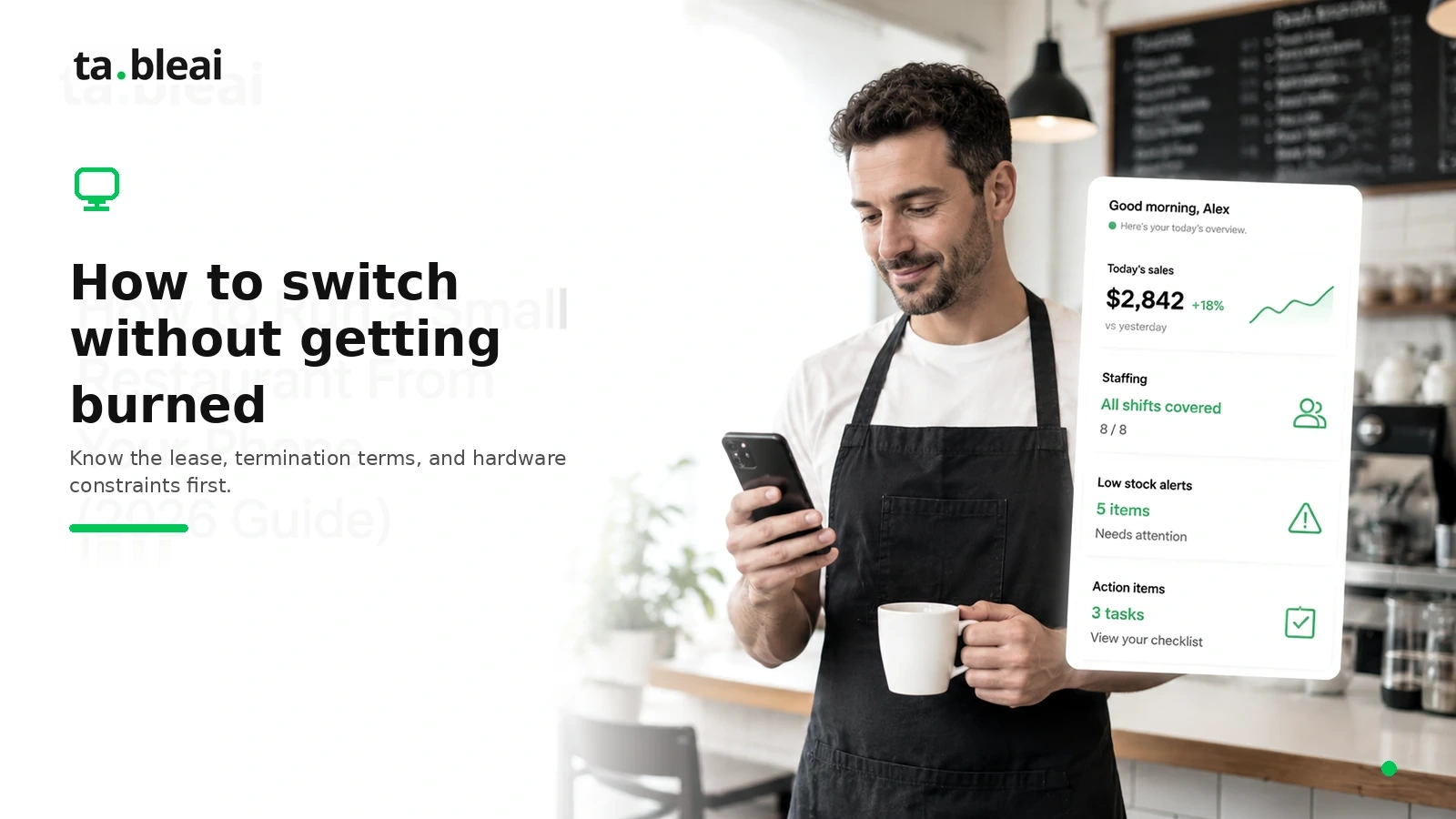
Switching away from Clover has more traps than switching from Square or Toast, so a short checklist:
- Find your lease, not just your software plan. The equipment lease is a separate agreement, often with the processor. Check the term length and the early-termination amount before you do anything.
- Ask for the early-termination fee in writing. Clover merchant agreements frequently carry one. Get the number before you commit to a replacement.
- Assume the hardware doesn't move. Budget as if your Clover devices stay behind. If they do transfer, that's a bonus.
- Time the switch to the lease end if you can. If you're deep in a 48-month lease, sometimes the cheapest move is to run the replacement in parallel and cut over when the lease expires.
- Decide whether you even need a POS again. If you were mostly using Clover for tracking, replacing it with another POS just re-signs you up for the same class of contract. That's the whole case for the operations-only options above.
For a wider view of what different systems actually cost once processing, hardware, and add-ons are included, see what restaurant software actually costs in 2026 and our restaurant POS pricing comparison.
Bottom line
Clover's biggest problem for small restaurants isn't the product — it's the packaging: reseller-set rates, long equipment leases, and a painful exit. If you need a full POS, Square or SpotOn give you the same core with transparent, no-lease terms. If you need depth, Toast or Lightspeed. And if you're honest that you mainly needed to track sales, stock, and staff, you can drop the POS class of tool entirely and use Homebase, 7shifts, or TableAI for a fraction of the cost and none of the contract.
Pick based on what you actually use daily — not on which rep called you first.
Pricing figures reflect commonly reported 2026 ranges from published vendor pages and independent reviews; Clover pricing in particular varies by reseller, so confirm your specific plan, processing rate, and lease terms in writing before switching.
Frequently asked questions
What is the best Clover alternative for a small restaurant?
For most small restaurants, Square for Restaurants is the best Clover alternative because it offers transparent published pricing, month-to-month terms with no long lease, and hardware you buy outright. If you only need to track sales, inventory, and staff rather than process cards, TableAI does that over WhatsApp with no POS terminal or lease.
Why do restaurants leave Clover?
Restaurants leave Clover mainly because of reseller-set pricing, long equipment leases, and a painful exit. Clover is sold through thousands of banks and sales organizations, so two identical restaurants can pay very different software fees and processing rates, and much of the hardware is sold on non-cancellable leases that often run 48 months.
Can you switch away from Clover without fees?
Not always, because Clover merchant agreements frequently carry early-termination fees and the equipment lease is a separate agreement that may run its full term regardless. Find your lease and get the early-termination amount in writing before you commit to a replacement, and if you are deep in a 48-month lease it can be cheapest to run the new system in parallel and cut over when the lease ends.
Does Clover hardware transfer to a new processor?
Usually not, because Clover devices are tied to the merchant account they were provisioned on and often cannot simply be re-pointed to a new processor. Assume the hardware stays behind and budget for replacement gear, and treat it as a bonus if any of it does transfer.
What is cheaper than Clover?
Operations-only tools are typically cheaper than Clover because they skip card processing and hardware leases entirely. Homebase starts free for scheduling and time tracking, and TableAI handles sales, inventory, and staff tracking over WhatsApp with flat pricing and no terminal, while Square offers a full POS with a free tier and no long lease.
Related reading:
- Toast Alternatives for Small Restaurants (2026) — eight options at the Toast end of the market
- Restaurant POS Pricing Comparison (2026) — what the major systems really cost
- How to Track Restaurant Sales Without a POS — the operations-only approach